Online teaching tools in India 2025 enhance remote education through virtual classrooms, whiteboards, video tools, quizzes, and planning platforms, making learning more engaging and accessible.
Key tools include Google Classroom, Zoom, Microsoft Teams, Web Whiteboard, Google Forms, YouTube, and Loom, each offering unique teaching and collaboration features.
Choosing the right tool depends on ease of use, affordability, features, compatibility, and support.
Table of Contents
Classrooms are evolving fast in 2025 are you keeping up? The rise of online teaching tools in India is transforming the way educators, tutors, and professors connect with students. From interactive live class platforms and real-time student progress tracking to AI-powered smart assessments and digital whiteboards, today’s EdTech solutions are making remote learning more engaging, efficient, and results-driven.
In this 2025 guide to the best online teaching tools in India, you’ll discover the top platforms to boost teaching efficiency, improve student performance, and create an interactive digital classroom whether you’re teaching school kids, college students, or professional learners.
What Are Online Teaching Tools?
Online teaching tools are software or platforms that help educators conduct online classes. These tools allow teachers to deliver lessons, assign homework, interact with students, and monitor their progress. Some popular features of online teaching tools include:
Virtual classrooms for live teaching
Video conferencing
Assignment and quiz management
Student performance tracking
Collaboration tools (like discussion forums and file sharing)
Understanding different teaching tools examples can help educators choose the best resources for their students’ needs.
Why Are Online Teaching Tools Important in India?
India has a large student population, and online education is becoming increasingly popular due to factors like:
Remote Learning: Students from rural areas can access quality education.
Flexibility: Teachers and students can learn at their convenience.
Affordability: Many tools offer free or budget-friendly options.
Engagement: Interactive features make learning fun and effective.
Selecting the right online teaching tools is essential for teachers and students. With the right online teaching tools for teachers, educators can streamline assessments, track progress, and personalize learning.
Top 14 Online Teaching Tools for Indian Educators in 2025
Here are the best online teaching tools that educators in India can use:
Top Online Communication Tools
Building a strong communication network between educators and students is important for effective education and for creating interactive sessions. Effective communication is essential for effective teaching and learning in a real or virtual classroom. Making classes interactive and collaborative through screens is challenging.
Online teaching tools for communication enable interaction with large groups through various methods such as video conferencing, instant messaging, voice calls, and virtual rooms. These online teaching tools make it possible to connect from anywhere and on any device, enhancing the flexibility and reach of remote education. Platforms that offer these online teaching tools are essential for effective online learning, providing diverse ways to engage students and facilitate discussions. Some of our favorite online teaching tools include those that support seamless communication and collaboration. Using these online teaching tools, educators can ensure productive and interactive remote learning experiences. Some of our favorite online teaching tools are listed below:
1. Google Classroom
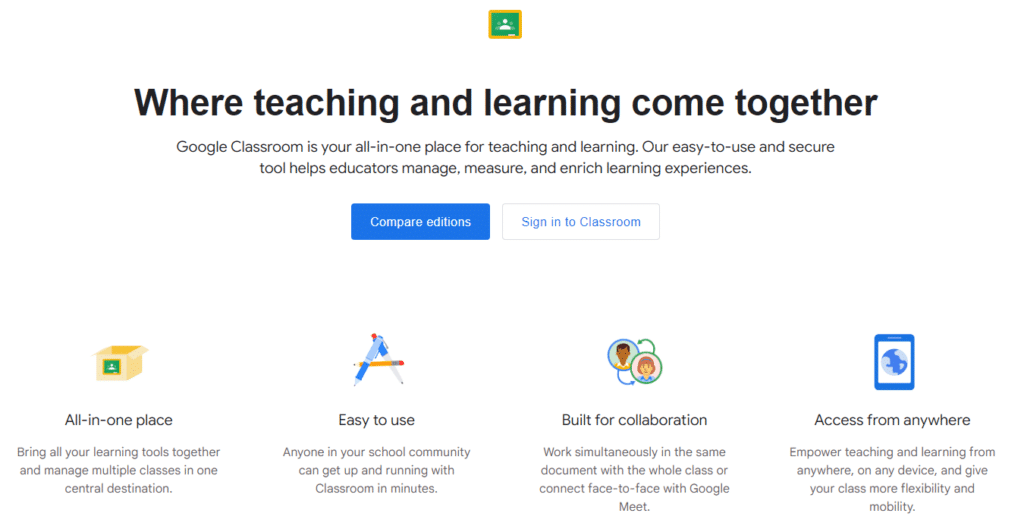
Google Classroom is undoubtedly, one of the most adaptable online teaching tools currently available. Being a component of G Suite, this learning management system (LMS) enables teachers to use Google apps to create lessons, tests, and papers that can all be found in Google Classroom. Classroom helps teachers save time, keep classes organized, and improve student communication.
Pros:
Easy to add people
Easy screen sharing
Productivity Tools and Integration with Other Google Services
secure application
Cons:
Relatively fewer features than other apps
Users from other domains are not permitted to enter
2. ZOOM
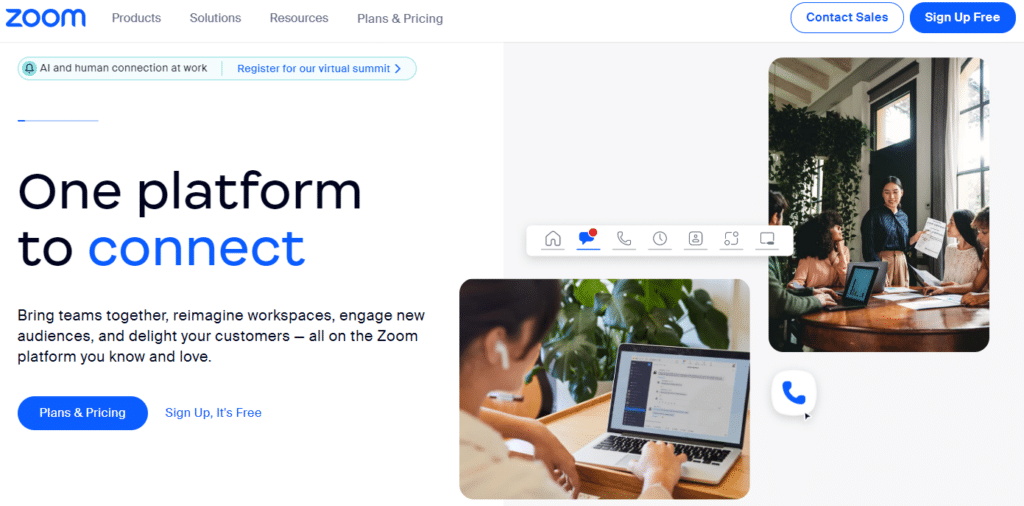
One of the best remote teaching tools for online education is Zoom. It enables you to schedule meetings and webinars and teach classes to students. Zoom also features a whiteboard tool to help students understand diagrams. Furthermore, installing it on your PC is free and straightforward.
Pros:
Automatically schedule meetings
can record the call as a video
Breakout rooms
Support a large group of students
Cons:
Need app installation
Less control over other attendees
3. Microsoft Teams
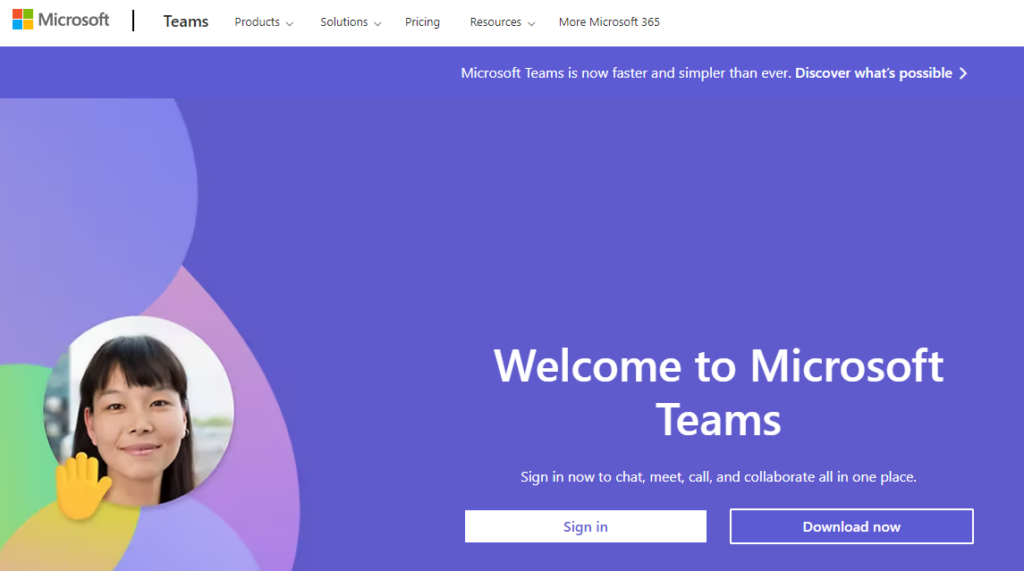
Microsoft Teams is the ultimate tool for collaborating at work. It provides a fully decked-out document storage, chat, and online meeting environment. Each program is designed for work collaboration and has slightly different features and benefits.
Pros:
Integration of all tools in a single place
Useful chat additions
Seamless files search, backup, and collaboration
Cons:
Unnecessary storage consumption
Increased security risk
A limited number of channels
Online Whiteboards Teaching Tools
Whiteboard software helps pupils follow handwritten instructions and annotated illustrations more easily. It also gives students the blackboard experience. The majority of these programs provide an endless canvas with shape libraries for making various forms of diagrams, charts, and graphs and for other visualization applications.
An online whiteboard app is a web-based interactive and remote teaching tool that enables teachers and students to work together remotely in real time.
It can help in various ways, such as:
Structuring topics of discussions
Illustrating the points
Creating a mindmap
Mark key information
Some of the tools that you can use are :
4. Web Whiteboard
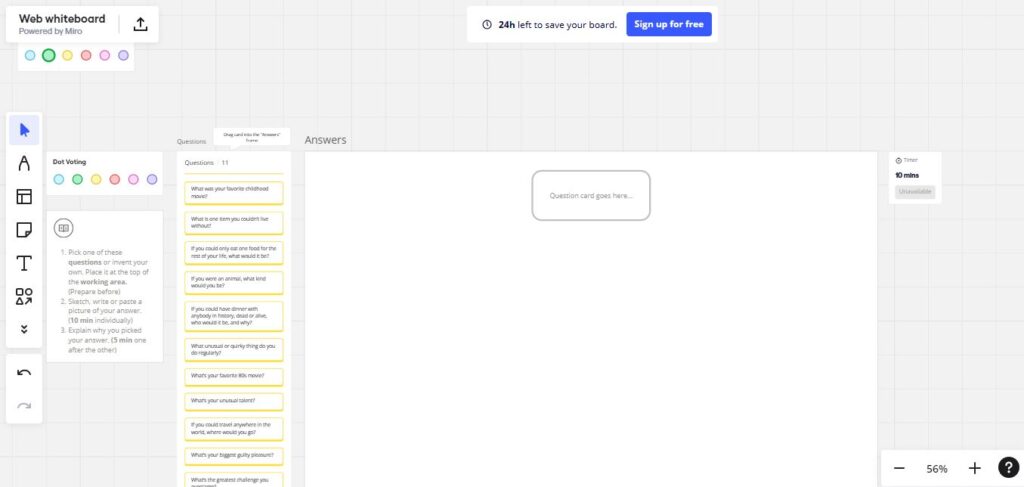
Web Whiteboard is a simple yet powerful online collaboration tool designed to bring teams and classrooms together. With its user-friendly interface, anyone can easily create and share whiteboards for brainstorming, teaching, and project planning. It’s perfect for remote learning and virtual meetings, providing real-time collaboration features that keep everyone on the same page.
Pros:
Ease of Use: Intuitive design that’s easy for beginners to navigate.
Real-time Collaboration: Multiple users can work on the same whiteboard simultaneously.
Cross-platform Compatibility: Accessible from any device with an internet connection.
File Uploads: Allows uploading images, PDFs, and other files to the whiteboard.
Interactive Tools: Includes pens, shapes, and sticky notes for dynamic content creation.
Cons:
Limited Features in Free Version: Some advanced features are only available in the paid version.
Internet Dependency: Requires a stable internet connection for smooth operation.
Essential Drawing Tools: Lacks advanced drawing tools compared to other whiteboard platforms.
Performance Issues: May experience lag or slow performance during peak usage times.
5. Whiteboard.fi
Whiteboard.fi allows you to share a digital whiteboard with up to 50 students online synchronously. Students also have whiteboards, which teachers can push content to as an image and have them manipulate, type on, or draw on. Teachers can see all student whiteboards and can even copy student boards to their own and share them with the rest of the class.
Using online teaching tools with whiteboard, educators can collaborate with students interactively, just like in a physical classroom. It is one of the most effective web tools in teaching.
Pros:
Share digital whiteboards synchronously with entire classes
Students work on their whiteboards that the teacher can see
Teachers can share their boards with PDFs as backgrounds for students to work on
Can be used on any device
Cons:
Teachers and students cannot work on the same boards together at the same time
Limits to 50 students per room
Cannot save boards other than as an image, which cannot be changed later
6. Canvas for Chrome
Chrome Canvas is a creative drawing tool available in either the Chrome browser or on a Chromebook. It is fun and easy to use, especially on a touch screen. The four drawing tools–pencil, pen, marker, and chalk–can be customized with color, size, and opacity. It’s a digital whiteboard in its simplest sense.
Pros:
Easy to use
Works with Firefox and Safari as well as Chrome
Students could solve math problems step by step, and teachers could share solution sets through annotated answer keys or step-by-step instructions.
Cons:
No shapes function
No text tool
No way to customize canvas size or aspect ratio
Work Planning Tool
When you work remotely, keeping to a routine is even more critical. A reliable schedule can help you make the most of your time, especially during stressful times.
One needs to:
Create daily schedules for classes
Creating lesson plans and sharing them with students, administrators, and colleagues.
Mark important days for the classes
Schedule and notify everyone of the classes and appointments
For this, you can use the following tools:
7. Calendly
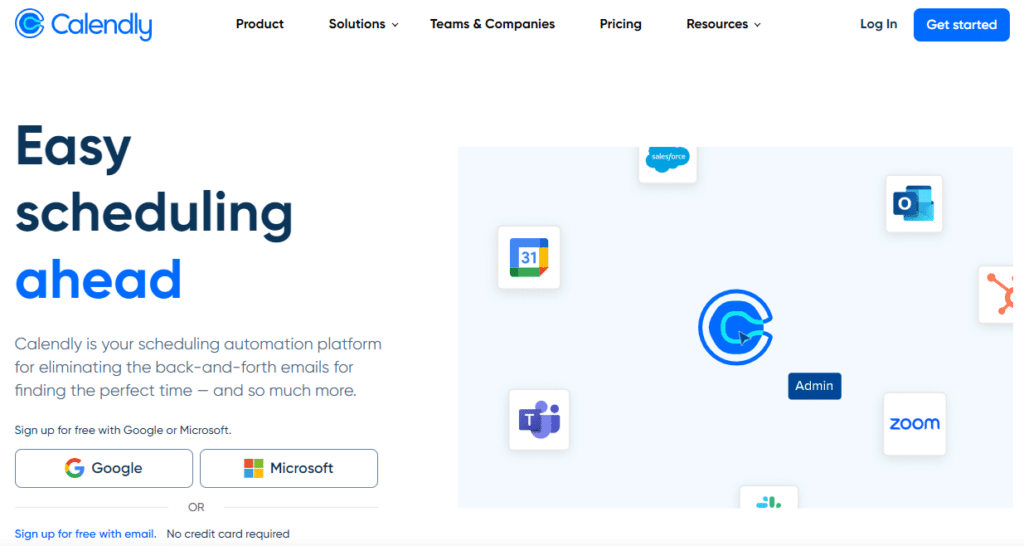
Calendly is a simple yet intuitive software for scheduling. Compared to conventional scheduling solutions, this software is more simplified and efficient, and users can easily set it up, manage, and juggle schedules, appointments, and other related information.
Pros:
Can be embedded with websites
Allows multiple invitees to schedule similar slots
Fully optimized for all devices
Cons:
Synching errors
8. Google Calendar
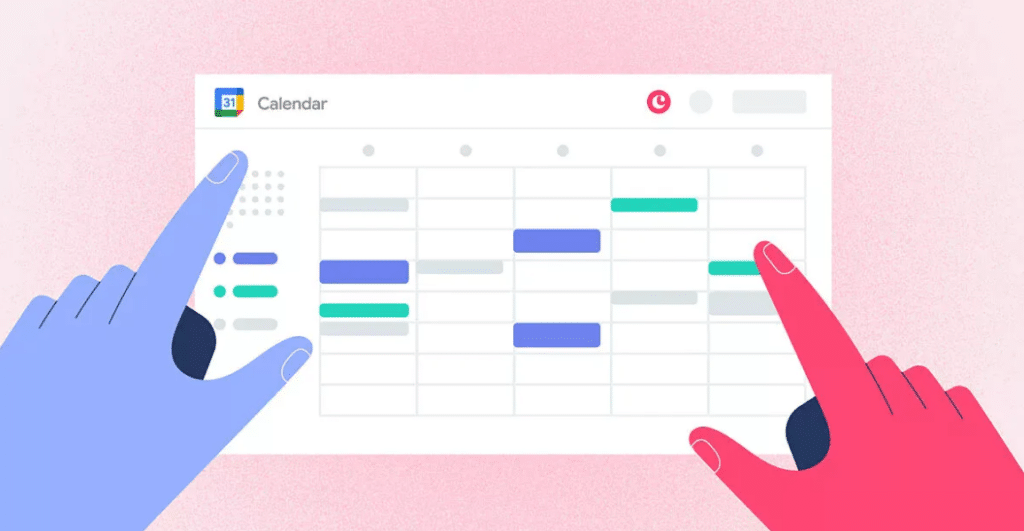
With Google Calendar, you can quickly schedule meetings and events and get reminders about upcoming activities, so you always know what’s next. Calendar is designed for teams, so it’s easy to share your schedule with others and create multiple calendars you and your class can use together.
Pros:
Schedule meeting rooms
Simplified appointment slots tool
Easy to navigate through
Cons:
Difficulty connecting with calendars from other apps.
Can be challenging to read if it has too many appointments
Document Management Tool
Document management can be one of the most challenging tasks in online teaching. A teacher has to keep track of a lot of papers and documentation. It is made simpler for teachers to create documents with the help of online teaching aids. For the same purpose, the following tools can be useful:
9. MS OFFICE
Microsoft Office is a suite of applications designed to help with productivity and completing common tasks on a computer. You can create and edit documents containing text and images, work with data in spreadsheets and databases, and create presentations and posters.
Pros:
Allows Workers to Access Documents and Email from Anywhere
Advanced Security
Automatic updates
Cons:
An Internet connection is always required to access up-to-date files
And doesn’t support any offline editing
10. G SUITE
Google Apps, now known as G Suite, offers a superior alternative in terms of features and capabilities. The Google Apps for Education suite offers additional enterprise-grade features created for big organizations and tailored for education.
It has improved analytic and search capabilities, robust controls, and many advanced communication tools. It is designed to expand possibilities for planning, critical thinking, teamwork, and creativity, ultimately enhancing the student’s goals.
Pros:
Provides reliable and better storage security
Provides access to Drive, Gmail, Docs, Calendars, etc
Allows to access its applications simply by one-time login
Cons:
Internet connectivity required
Online Video Tool
A highly inventive method to effectively educate and interact with students online is by sharing videos of your courses. Videos are excellent means for teachers to continue their teaching curves and for students of all backgrounds to continue learning in the new normal. Contrary to common assumptions, creating videos is not expensive; it’s probably the most affordable. The following are some of the practical web tools for creating videos:
11. YouTube
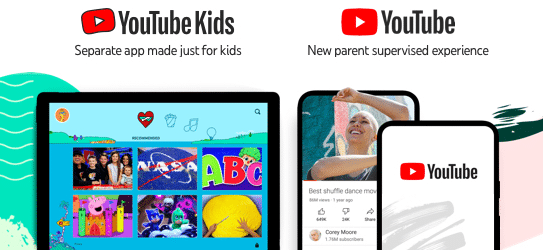
YouTube can make classes more interesting and keep students engaged while studying. It is incredibly helpful for visual learners. Teachers can use YouTube to find videos to make their classes easier to grasp and more enjoyable. They can even contribute their videos to the site.
Pros:
Free of cost and can be used anywhere
It can serve as an additional resource.
Offers multiple learning options
Cons:
Some videos on YouTube are not suitable for children.
Need to have an internet connection to access it
Have a lot of advertisements
12. LOOM
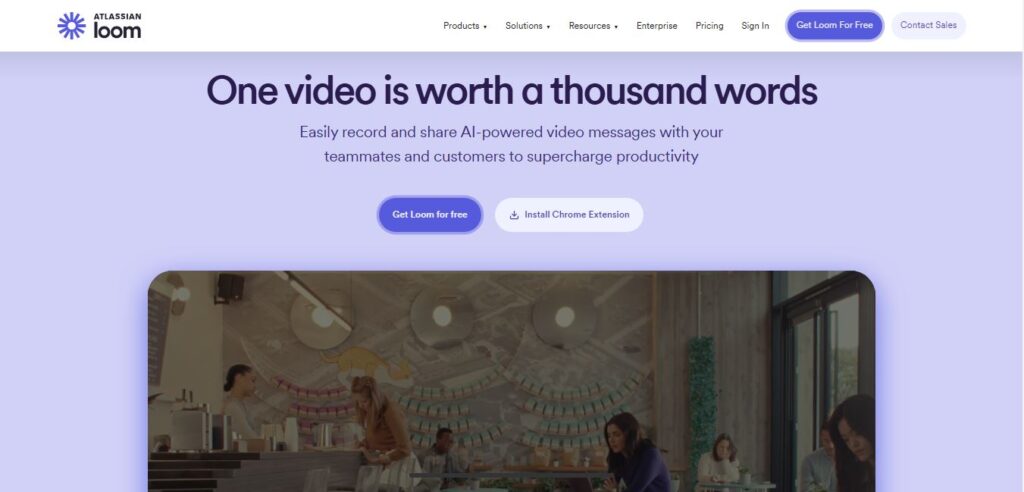
Loom is a screen recording tool that lets teachers record audio, video, browser windows, or entire screens in a Chrome extension, desktop app, or mobile app. Only one creator is authorized per free Loom for Education account, so teachers must record everything themselves. Students do not need an account.
Pros:
Flexible sharing features.
Allow you to customize screen capture and frame rate
Cons:
Limited editing options
Slow program
Online Quiz Makers
As virtual learning grows, maintaining students’ participation has become more complex. Quizzes are always a great way to check a student’s performance. Teachers can design exams and quizzes using online quiz makers that are simple to construct and easy to analyze.
These online quizzes will help in :
Getting more engagement
Easy data collection
Create, format, and share assessments online
Several of the tools used to create online quizzes include:
13. Google Forms
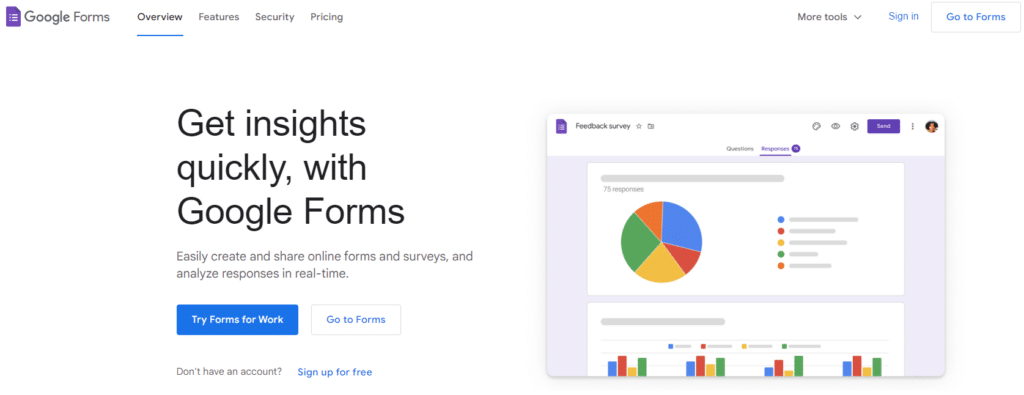
Google Forms is one of the most widely used quiz-making tools. It allows us to include different types of questions, such as short answers, paragraphs, multiple selections, verification boxes, pull-downs, linear scales, and a grid of several options.
Pros:
Easy-to-use interface
Strong features like the file upload element
Stores the feedback received
Cons:
An internet connection is required
Lack of integrations with third-party tools
Only capable of building surveys and questionnaires: not versatile
14. iSpring
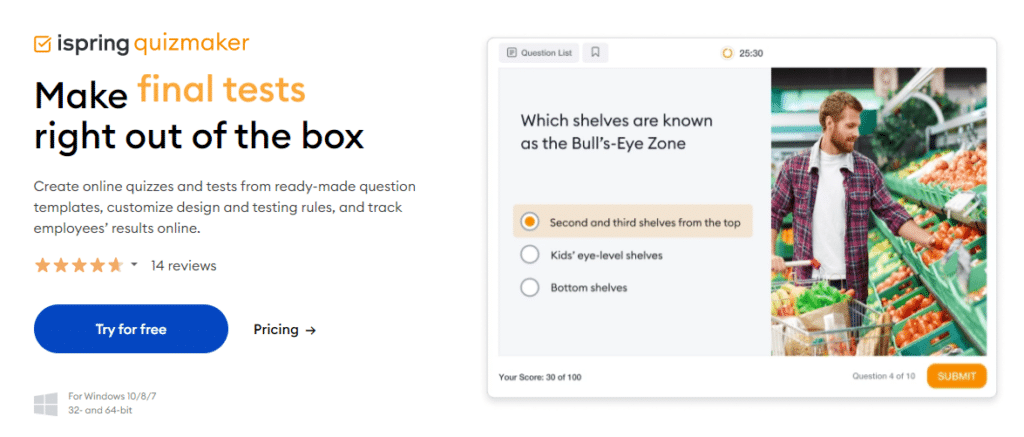
iSpring QuizMaker is a powerful authoring software for creating effective quizzes and surveys with 14 ready-to-use question templates that allow you to train, engage, and assess learners’ results.
Pros:
One can choose from different formats for the quiz
Can add multimedia to both questions and answers
Cons:
Limited features
How to Choose the Right Online Teaching Tool in 2025?
When selecting an online teaching tool, consider the following factors:
Ease of Use: Choose a tool that is easy to navigate for both teachers and students.
Features: Ensure the tool has features like video conferencing, assignments, and tracking.
Pricing: Opt for a tool that fits within your budget.
Compatibility: The tool should work on mobile, tablet, and computer.
Support: Check if the platform provides technical assistance.
Conclusion
The rise of online teaching apps has made remote education more interactive and accessible for students worldwide. Choosing the right online teaching tools can enhance the teaching and learning experience, making education accessible and engaging for students across India. Whether looking for free options like Google Classroom or feature-rich platforms like Blackboard, there is a tool to meet every educator’s needs.
Interactive tools for online learning make virtual classes more engaging and effective for students. By effectively utilizing these tools, teachers can create a productive online learning environment that benefits both students and educators.
If you want to share your knowledge with others, join us today! Earn money by answering questions from students worldwide and becoming a Chegg Q&A expert. You can work whenever and wherever you choose.
Chegg India is an online platform that provides opportunities for educators and others who desire to teach in non-traditional venues. You may sign up as a subject expert for free and earn a comfortable livelihood wherever you are. All you have to do is sign up!
Zoom is widely regarded as one of the best tools for online teaching due to its robust video conferencing features, ease of use, and interactive capabilities.
What are the tools for online learning?
Standard tools for online learning include Google Classroom, Zoom, Microsoft Teams, Edmodo, and Quizlet.
What is best technology for online teaching?
Learning Management Systems (LMS) like Google Classroom and Moodle are considered some of the best technologies for online teaching as they offer comprehensive tools for managing and delivering course content.
What are the online learning tools examples?
Examples of online learning tools include Google Classroom, Zoom, Microsoft Teams, Edmodo, Quizlet, and Kahoot!.
How do I make online teaching more interactive?
It is a tough challenge for teachers to keep the students engaged while teaching virtually. For this, one can adopt the following strategies :
1. Include more videos in your courses. 2. Make your presentations more dynamic 3. Encourage online discussions 4. Quizzify gamify your teaching
What are remote learning tools?
Remote learning involves scenarios where students and teachers are not physically present in a traditional classroom. Instead, online teaching tools are used to facilitate education through various technological methods. These online teaching tools include online forums for discussions, video conferencing platforms for live interactions, and virtual exams for assessments.
Which tools teachers use in the classroom?
Teachers use various tools in the classroom, such as interactive whiteboards, document cameras, educational software, projectors, and learning management systems (LMS).
1. Study planning apps 2. Digital flashcard creators 3. Note-taking software 4. Time management tools 5. Language learning platforms
How do I choose the right teaching tool?
Consider ease of use, affordability, essential features (video, assignments, tracking), device compatibility, and availability of technical support.
Authored by, Anshika Sharma Digital Content Writer
Anshika specializes in writing informational content designed to educate and engage readers at all levels. She aims to spark curiosity and make learning a genuinely enjoyable experience. When she’s not writing, she’s often immersed in research for her next piece or exploring new topics to expand her knowledge and creativity.