
Summary
- Video annotation usually costs more than image annotation, and the gap is real: a one-minute clip at 30 frames per second is 1,800 separate images, not one.
- The extra cost comes from four real things: frame volume, keeping an object's identity consistent across frames, judging actions that only exist across a sequence, and errors that propagate instead of staying contained to one frame.
- Research on multi-object tracking and video segmentation treats identity consistency and temporal coherence as formally measured challenges in their own right, not vague difficulty claims.
- A worked example walks through what a reviewer actually does differently on ninety seconds of footage versus a single photo of the same scene.
- The real test of a video annotation quote is whether a vendor can explain how frames are sampled, checked and reconciled, not just the price per minute.
Shoot one minute of video at a standard 30 frames per second and you get 1,800 separate still images. That’s the plain arithmetic behind a video annotation quote landing higher than an image annotation quote for similar footage. A video isn’t one thing to review. It’s thousands of things. A meaningful share of them need their own decision.
I’ve seen buyers get a per-image quote for image annotation. Then a separate, higher, per-minute quote lands for video annotation, with no easy way to check if that gap is fair. It usually is fair. This article explains where that extra work actually goes. It covers what a reviewer does differently on video versus a single photo, and what to ask a vendor so you can tell a fair quote from a padded one.
What image annotation actually is
Data annotation, in plain terms, is a person looking at a piece of raw data and attaching a label that says what’s true about it. Image annotation is the visual version of that work. It means drawing a box around an object, tracing its outline, or tagging what a picture shows overall. I’ve written separately about what actually makes that work difficult. The overlapping objects, the ambiguous edges, the judgement calls a “draw a box around the car” tutorial never covers. That difficulty doesn’t disappear in a video. It’s still there, on every single frame. Video just adds a second, separate kind of difficulty on top of it, which is what this article is actually about.
What video annotation actually is
Video annotation means labelling objects, actions or events across the frames of a video. The goal is a model that can recognise them as they move and change, not just as they appear in one picture. A single frame can show that a person is standing near a shelf. It can’t show whether they’re reaching for an item, putting one back, or just pausing to read a label. That distinction only exists across several frames, and someone has to decide exactly where it starts and where it ends. A video annotation quote is pricing in exactly that extra job.
The frame math a quote rarely shows
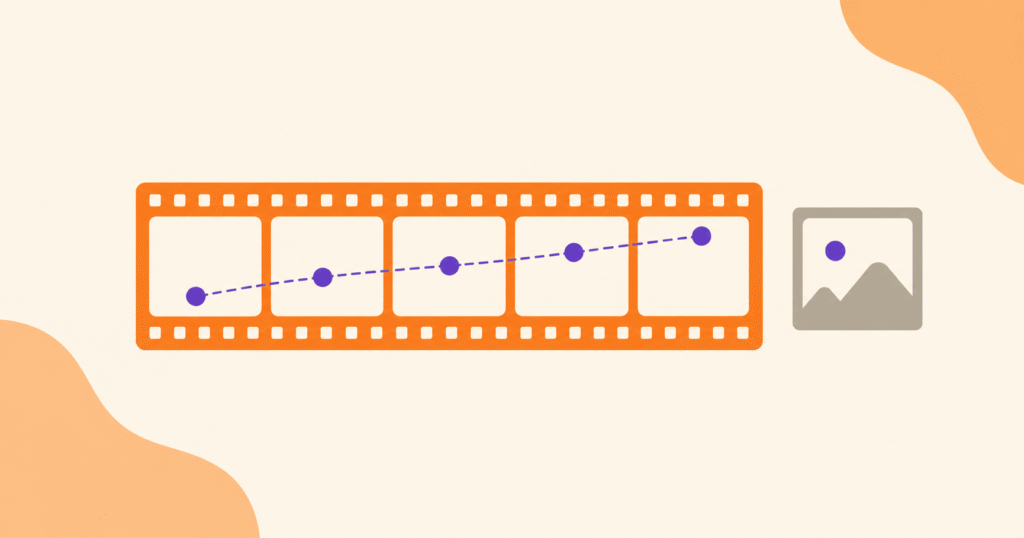
Here’s where the arithmetic gets uncomfortable. Shoot footage at a standard 30 frames per second, and a single two-minute clip is 3,600 individual frames. A ten-minute training video is 18,000. Nobody reviews every one of those by hand from scratch, and they shouldn’t. Most annotation tools let a reviewer set an object’s position on a handful of key frames, then estimate, or interpolate, where it sits on the frames in between. Interpolation is the process of filling in the gap between two manually checked points with a straight-line guess at how an object probably moved.
That still leaves real, billable human work. A reviewer chooses which frames are key frames, and checks the software’s guess on the frames in between. They fix it when an object changes direction, speeds up, or gets briefly blocked from view. Interpolation only works when the motion in between is predictable. Real footage rarely stays predictable for the full length of a clip.
What actually makes video annotation cost more than image annotation
Four things genuinely separate video annotation from image annotation, and none of them are about one task simply being worth more than the other.
It’s thousands of decisions, not one
A single image annotation job is one decision, or a handful of decisions, made once. A video annotation job is the same kind of decision made hundreds or thousands of times across one piece of footage, with every frame connected to the one before it. Pricing a video job per image, the way you’d price a batch of unrelated photos, undercounts the job by roughly that multiple.
An object has to keep the same identity across frames
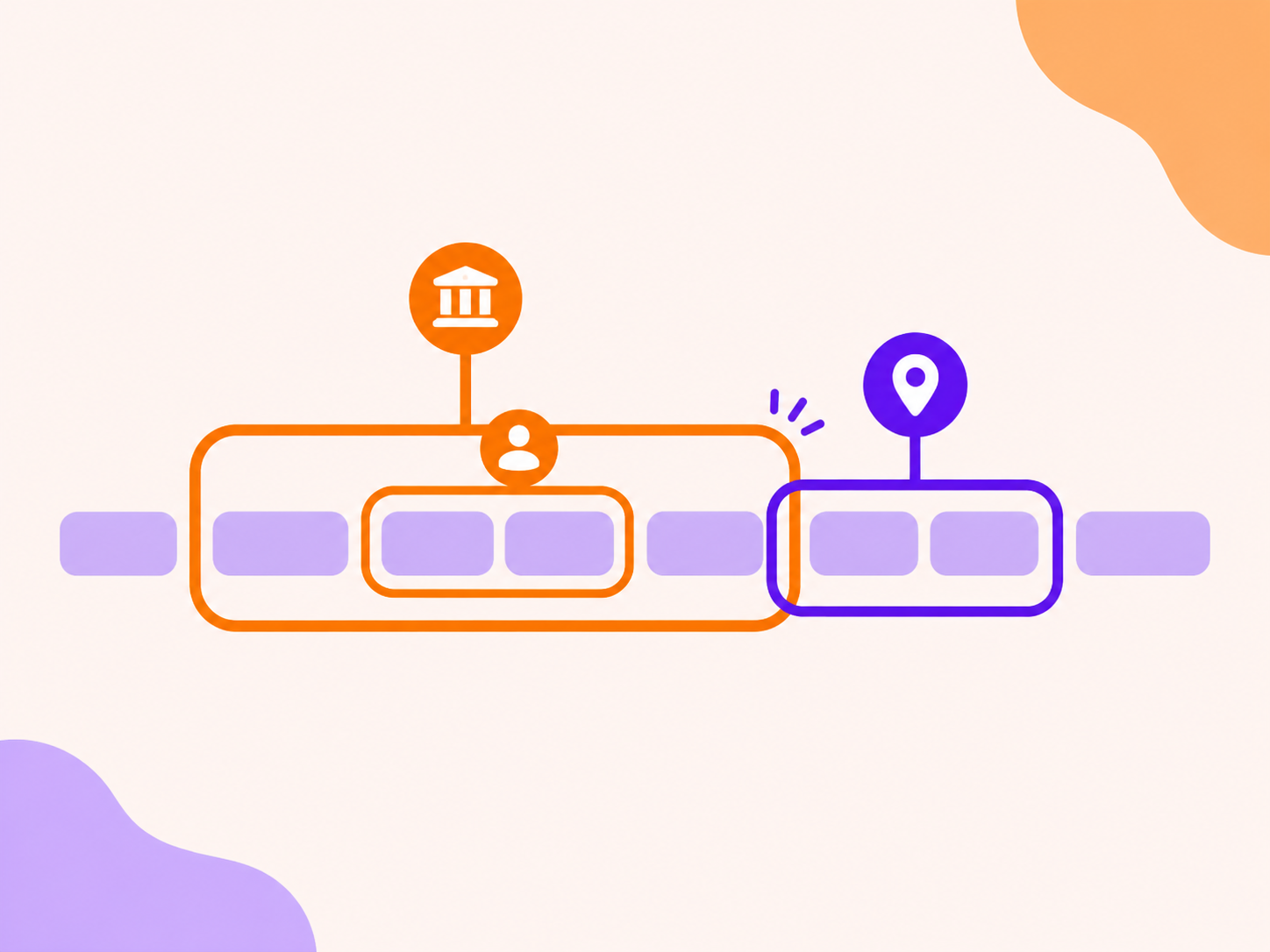
In a single photo, an object only has to be correctly labelled once. In a video, the same object has to keep its identity throughout, the same car, the same person, the same package on a conveyor belt. It has to stay that one object from the frame where it first appears to the frame where it leaves the shot. That’s true even if something briefly blocks it, or the camera angle shifts halfway through. Lose that thread, and a reviewer has effectively mislabelled every frame after the mistake, not just one. Research on multi-object tracking treats this as a core, formally measured challenge, not an afterthought. The benchmark behind MOT16 built its entire evaluation protocol around annotating a consistent identity and visibility level for every object across a full sequence (Milan et al., 2016). That’s not just about getting each frame right in isolation. I walked through a close cousin of this same judgement call in a piece on 3D point cloud annotation. It’s the same kind of work, keeping an object’s identity consistent across a sequence of LiDAR scans instead of camera frames. The underlying problem is the same either way. A model trained on inconsistent tracking learns that objects can vanish and reappear, which is a worse error than one wrong label.
Actions and events only make sense watched in sequence
Some of what a reviewer labels in video doesn’t exist in any single frame at all. Walking looks different from running only once you compare several frames to each other. A near-miss between two vehicles. A product picked up and then put back. A safety violation that starts three seconds before it becomes obvious. All of these are judgements about a span of time, not a snapshot. A reviewer has to watch the sequence before they can label it at all, which is work a single photo simply doesn’t ask for.
One missed frame doesn’t stay a single mistake
Image annotation errors are mostly contained. One wrong label affects one training example. Video annotation research treats consistency across a whole sequence differently. It’s measured in its own right, not just as accuracy on individual frames. The DAVIS benchmark is one of the standard datasets researchers use to evaluate video segmentation. It scores results on spatial accuracy and on “temporal coherence” as two separate, equally real measures (Perazzi et al., 2016). That split exists because a result can get each frame right and still flicker between frames, producing data a model can’t actually learn consistent behaviour from. That’s the quality-control version of the same cost problem. Checking a video properly means checking it as a sequence, not as a stack of unrelated photos. That review step takes real additional time no per-image price accounts for.
A worked example
Say a retail client wants ninety seconds of in-store security footage annotated to train a model that flags when a shelf item leaves without being scanned at checkout. At 30 frames per second, that’s 2,700 frames. A reviewer sets key frames on the shopper, the item and the shelf every ten to fifteen frames. The tool interpolates the frames in between, and the reviewer checks the result.
On frame 640, the shopper’s hand briefly blocks the item as they pick it up. The tool’s guess for the next few frames drifts. It places the item’s box a few centimetres off, because it’s estimating position from a hand that’s no longer where the item actually is. A reviewer has to catch that and manually correct eight frames by hand. They also have to confirm the item keeps the same identity once the hand moves away, rather than being logged as a new object that appeared out of nowhere. The same shelf, photographed once with no hand in the way, would have taken one correct box and no drift to catch at all.
Now multiply that one correction. An occlusion is a moment something blocks the camera’s view of the object, and ninety seconds of real footage has plenty of them. It also has angle changes, and moments where two tracked objects cross paths. The gap between “draw boxes on some frames” and the actual line item on an invoice starts to make sense. None of it is padding. It’s the same review discipline a single photo needs, run many more times, on a genuinely harder problem.
What to ask a vendor about a video annotation quote
If outsourcing this work already makes sense for your team, the next decision is reading the quote itself. A vendor’s quote will usually just state a price per minute of footage. A few direct questions tell you whether that number reflects the review work above or is just a round figure.
- How is the price actually calculated: per minute of footage, per frame reviewed, or per object track? Each implies a different amount of real human review, and the method should be stated, not just the total.
- Which frames get a human check, and which are left to interpolation alone? A quote that assumes every frame interpolates cleanly is assuming footage with no occlusion, no fast motion and no crossing paths, which real footage rarely delivers.
- Who checks that an object keeps the same identity across the full clip, and what happens when it doesn’t? This is the single biggest source of the extra cost, so a vendor should be able to describe the check, not just claim it happens.
- If you’re comparing video annotation services across more than one vendor, ask each one for the same breakdown. A vendor who can’t explain their own pricing in those terms usually hasn’t actually built the process the price implies.
None of these four questions are about negotiating a lower number. They’re about checking whether the figure in front of you describes real review work, the kind this article has just walked through. Or whether it’s just a vendor’s guess at what the word “video” ought to be worth.
How Chegg approaches this
My team at Chegg prices video annotation the way the arithmetic above actually works, not as a flat multiple of an image rate. A quote states how frames were sampled and which ones get a full human review. It also states what the escalation path looks like when a reviewer loses an object’s identity partway through a clip. My team runs the same expert-vetting and calibration process across every annotation project, applied to the specific judgement calls video adds on top of it.
A buyer shouldn’t have to take “video costs more” on faith. The real answer sits in the frame count, the occlusion rate, and how many times an object’s identity needs re-confirming across a clip. A vendor who can show you that math, the way this piece just did, is the one whose price you can actually trust. That’s the standard my team holds every quote to, across the annotation work Chegg does.
Key takeaways
- Video annotation costs more than image annotation for a real, countable reason: a one-minute clip at 30 frames per second is 1,800 separate images, not one.
- The extra cost isn’t about frame count alone. It’s also about keeping an object’s identity consistent across every frame it appears in, a formally studied problem in tracking research, not a vague difficulty claim.
- Some of what a reviewer labels in video, an action, an event, a near-miss, doesn’t exist in any single frame. It only becomes visible across a sequence.
- A missed or drifting label in video doesn’t stay a single mistake. It propagates across every affected frame, which is why video review checks consistency across a sequence, not just accuracy frame by frame.
- The real test of a video annotation quote isn’t the price per minute. It’s whether a vendor can explain how frames are sampled, checked and reconciled, the same math this article walks through.
FAQs
What is video annotation?
Video annotation is the process of labelling objects, actions or events across the frames of a video. A machine learning model uses that to recognise them over time, not just in a single picture. It covers the same underlying work as image annotation, applied across a sequence instead of one still image.
Why does video annotation cost more than image annotation?
Because it genuinely involves more work. There are thousands of frames instead of one image. An object’s identity has to stay consistent as it moves across those frames. Some actions only make sense watched in sequence. And errors can propagate across every affected frame rather than staying contained to one. None of that is specific to any one vendor. It’s the nature of the underlying task.
What’s the actual difference between video annotation and image annotation?
Image annotation labels a single, static picture once. Video annotation labels the same kinds of things: objects, boundaries, categories. But it has to track them consistently as they move, change, and sometimes disappear and reappear, across hundreds or thousands of connected frames in one piece of footage.
Does a reviewer really check every single frame of a video?
Usually not every frame by hand. Most projects set manually checked key frames and let a tool estimate, or interpolate, the frames in between. A reviewer then checks and corrects that estimate, especially around occlusion, fast motion or crossing objects, where interpolation tends to drift.
How many frames does a typical video annotation project actually involve?
At a standard 30 frames per second, one minute of footage is 1,800 individual frames, and a two-minute clip is 3,600. That frame count, not the length of the video in minutes, is the real scale of the annotation work underneath a quote.
What should I ask a vendor to check whether a video annotation quote is fair?
Ask how the price is calculated: per minute, per frame, or per object track. Also ask which frames get a full human check versus interpolation alone, and who checks that an object’s identity stays consistent across the whole clip. A vendor who can answer specifically, rather than just stating a number, usually has a real process behind the price.